TLB GROUP LLC
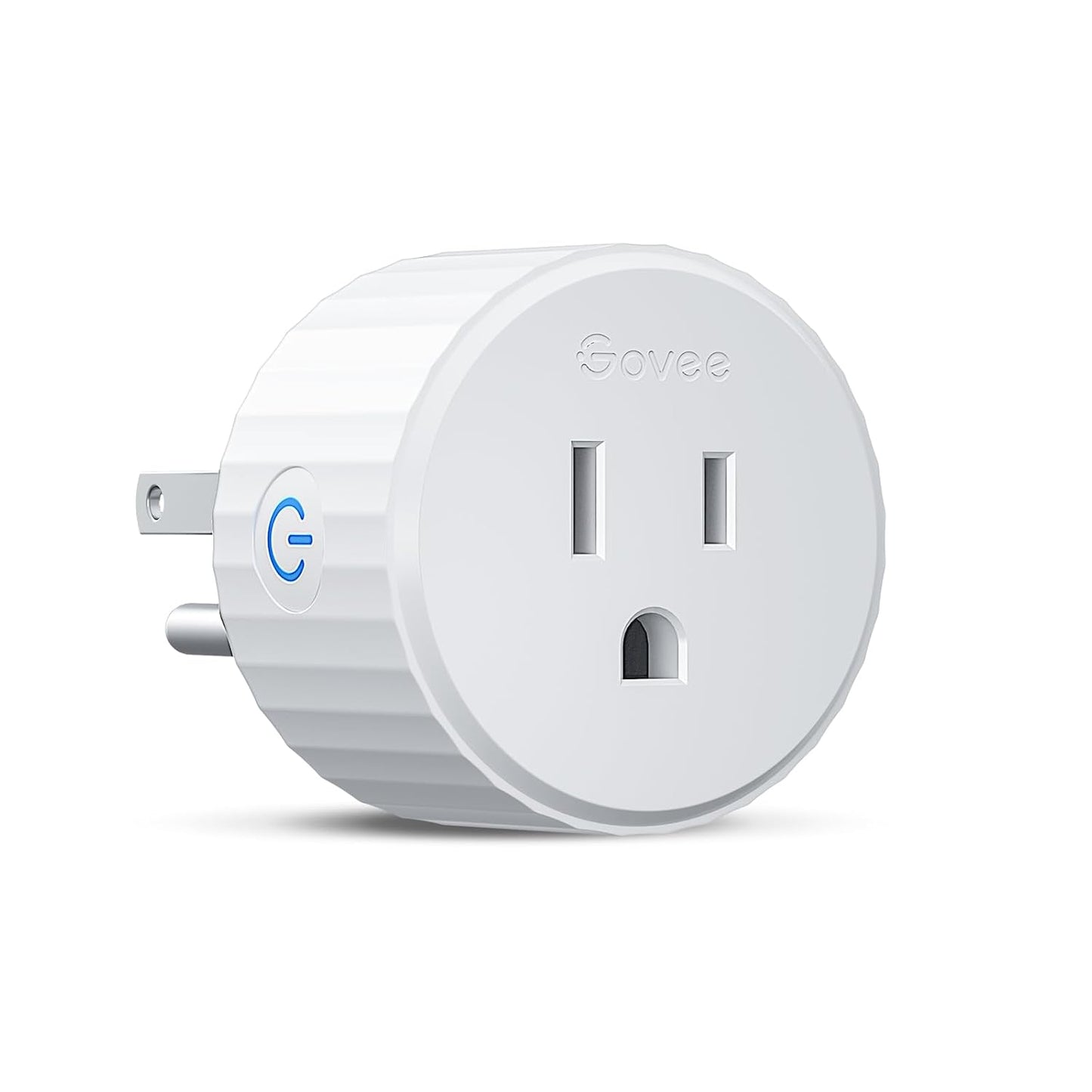
Smart Plug, Wifi Plugs Work with Alexa & Google Assistant, Smart Outlet with Timer & Group Controller, Wifi Outlet for Home, No Hub Required, ETL & FCC Certified, 2.4G Wifi Only, 4 Pack
Smart Plug, Wifi Plugs Work with Alexa & Google Assistant, Smart Outlet with Timer & Group Controller, Wifi Outlet for Home, No Hub Required, ETL & FCC Certified, 2.4G Wifi Only, 4 Pack
Couldn't load pickup availability
- Stability Upgrade: Supports Bluetooth or WiFi connection, which is more stable and faster than plugs that can only be connected through WiFi. No disconnection worries, control all your home appliances and devices anytime & anywhere.
- Smart Voice Control: WiFi Plugs Work with Amazon Alexa and Google Assistant, so you can control the smart home devices using simple voice commands. Free hands by using smart plugs and enjoy the funny interactive process. Note: Don't support 5G WiFi.
- Scheduling & Group Controller: Create customized schedules to power your electronic appliances on/off automatically for helping save energy and money. And with a single tough of one button, you can manage multiple smart plugs simultaneously.
- Multiple Safeguards & Small Size: With ETL & FCC certified, the quality of smart plug is assessed. Our product is rated: 10A, 1200W and support 120V. Compact and flexible design can save space, smart home plugs fit for every corner of your room.
- Easy Install and Use: Download the Govee Home App and search for H5083, you can pair smart outlet successfully in minutes without barrier in smart home; share with your family on Govee app via phones so you can enjoy the smart life together.
- This smart plug is ETL certified, ensuring it meets stringent safety standards for reliable and secure operation.
Product Description
Compact Design
Suitable for any wall socket within its pretty and convenient size, and won't interfere with any socket.
Security Protection
Govee uses and high-quality chips and provide overload protection to ensure the safety of family members.
No Hub Required
Govee smart plug connects to your home 2.4 GHz WiFi easily. If your router supports both 5G and 2.4G, please switch to 2.4G and reconnect.
Auto Reconnection
After Wi-Fi loss, Internet interruption, or power outage, the smart outlet will automatically try to reconnect.
Govee Smart Plug, More Stable than You Think
| Customer Reviews | 4.5 out of 5 stars 11,219 | 4.6 out of 5 stars 454 | 4.3 out of 5 stars 93 | 4.6 out of 5 stars 5,547 | 4.6 out of 5 stars 5,284 | 4.5 out of 5 stars 444 |
| Price | $26.09$26.09 | $35.99$35.99 | $29.99$29.99 | $39.99$39.99 | $26.99$26.99 | $35.99$35.99 |
| Connection Way | WiFi & Bluetooth | WiFi & Bluetooth | WiFi & Bluetooth | WiFi & Bluetooth | WiFi & Bluetooth | WiFi & Bluetooth |
| Max Current | 10A | 15A | 10A | 15A | 15A | 15A |
| Number of Sockets | 1 | 1 | 1 | 2 | 1 | 3 |
| Rated Voltage | AC 120V | AC 120V | AC 120V | AC 120V | AC 120V | AC 125V |
| Control Methods | Voice+App Control | Voice+App Control | Voice+App Control | Voice+App Control | Voice+App Control | Voice+App Control |
| Wi-Fi Band | 2.4GHz Only | 2.4GHz Only | 2.4GHz Only | 2.4GHz Only | 2.4GHz Only | 2.4GHz Only |
| Group Control | Yes | Yes | Yes | Yes | Yes | — |
| Timer & Schedule | Yes | Yes | Yes | Yes | Yes | — |
| Number of Packages | 4 Pack, 2 Pack, 1 Pack | 4 Pack, 2 Pack, 1 Pack | 4 Pack | 4 Pack, 2 Pack | 4 Pack, 2 Pack, 1 Pack | 1 Pack |
-
How to Connect with Govee Home App?
1. Plug in Smart Plug
2. Download Govee Home App.
3, Open the app, tap the "+" icon in top right corner, and search "H5083"
4. Tap the device icon and follow the instructions to complete pairing.
-
What is WiFi & Bluetooth Connection?
WiFi & Bluetooth connection, which means it will automatically switch between Bluetooth and WiFi connected smart plugs, depending on the range.
This is more stable and more responsive than a smart plug with only a WiFi connection.
-
How do I Connect My Dual-band Router to 2.4Ghz Plugs?
Method A: Please turn off 5GHz networking before first connecting.
Method B: Set 2 different SSIDs for the 2.4GHz and 5GHz networks, then connect these plugs to the 2.4GHz WiFi network only.
-
Some Tips for Connection.
1. Supports 2.4Ghz WiFi only.
2. Set WiFi security to WPA2 only. (WPA3 is not supported)
3. Make sure that Adguard allows Govee Home App.
4. The device model number in Govee Home App is H5083 . Please select the correct model.
Share